Password Recovery
1. Forgotten password (Password Recovery)
To recover your password:
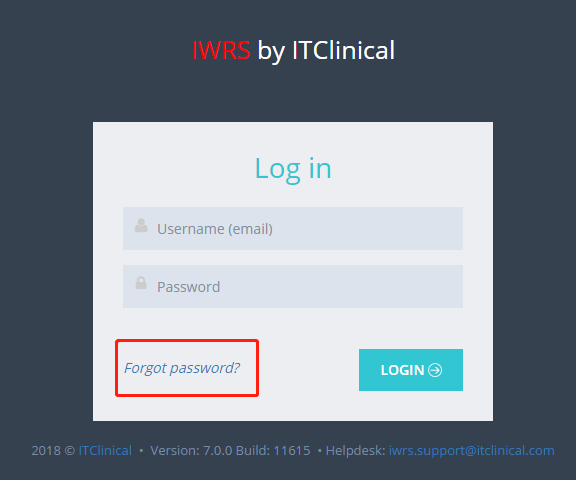
- Click Forgot password? in login page.
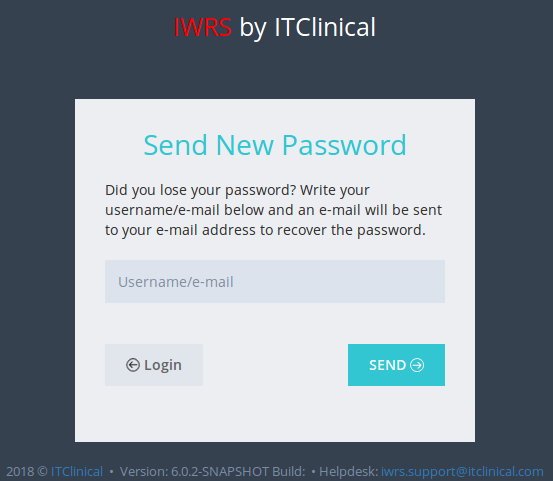
- Provide your username or email and click Send.
- You will receive an email with a recover password link.
- Provide a new password and click Save.
Related Articles
Password Expiry
1. Password Expiry For security reasons your password will only be valid for 180 days. The Change Password message shown on your first login will also be shown again if you're accessing the system after password has expired.Edit Details
1. Edit Details 1. Hover your mouse over your username at the top right corner of the page and click on My Details. 2. After changing your Full name and/or Email click Edit to save changes. 2. Change password 1.Click on the Change password tab in My ...Login / Logout
In this section you will learn to: Log in IWRS Log out IWRS 1. (First) Login To log in to the IWRS system: A random password and access instructions will be sent to your email The login page will be available in the following link: ...