Language Settings
For this section we will do a small walkthrough to explain where and how the user can change its language settings.
We will start with the login page in English language and change it to Chinese.
1. Selecting language in login page
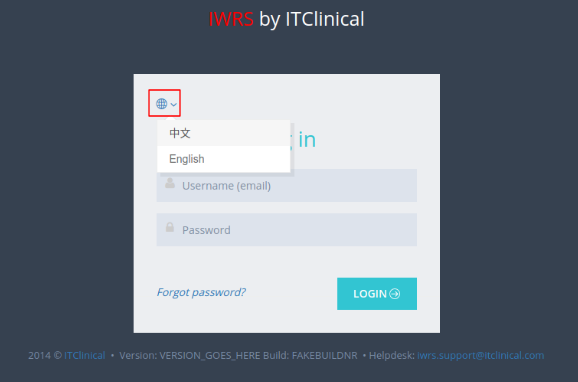
1. In the Login page the user can select the globe icon as showed in the image below.
2. A dropdown box will appear and allow the user to select the Chinese language settings.
3. The Login page and all subsequent pages will be translated into Chinese.
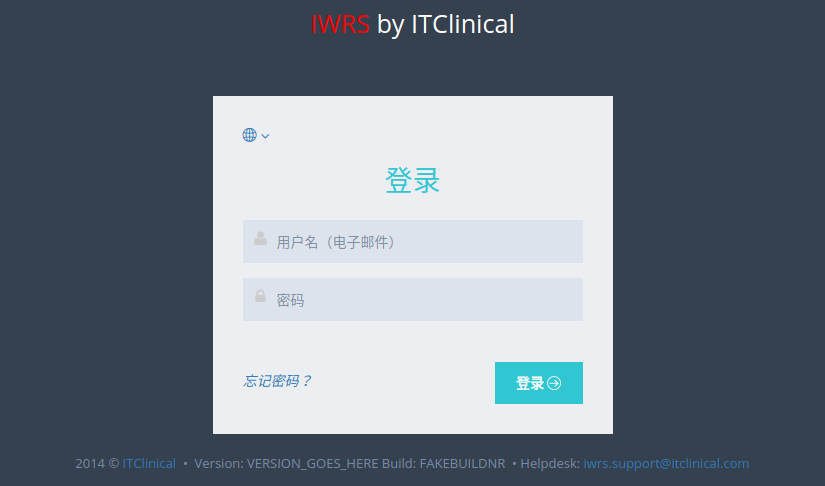
4. To proceed with the walkthrough please log in to access the Menu page of IWRS.
2. Selecting language in navigation bar
5. When accessing the Menu page, the user will notice that all text information will be shown in Chinese.
To change the language settings back to English, the user may select the globe icon which will open a dropdown box where the user can select the English language.
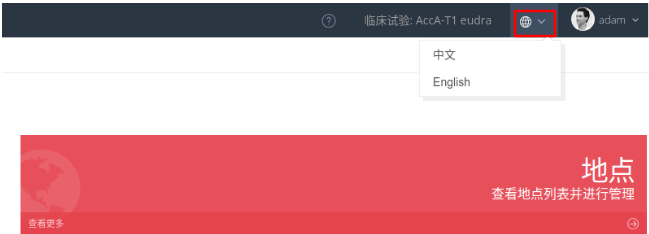
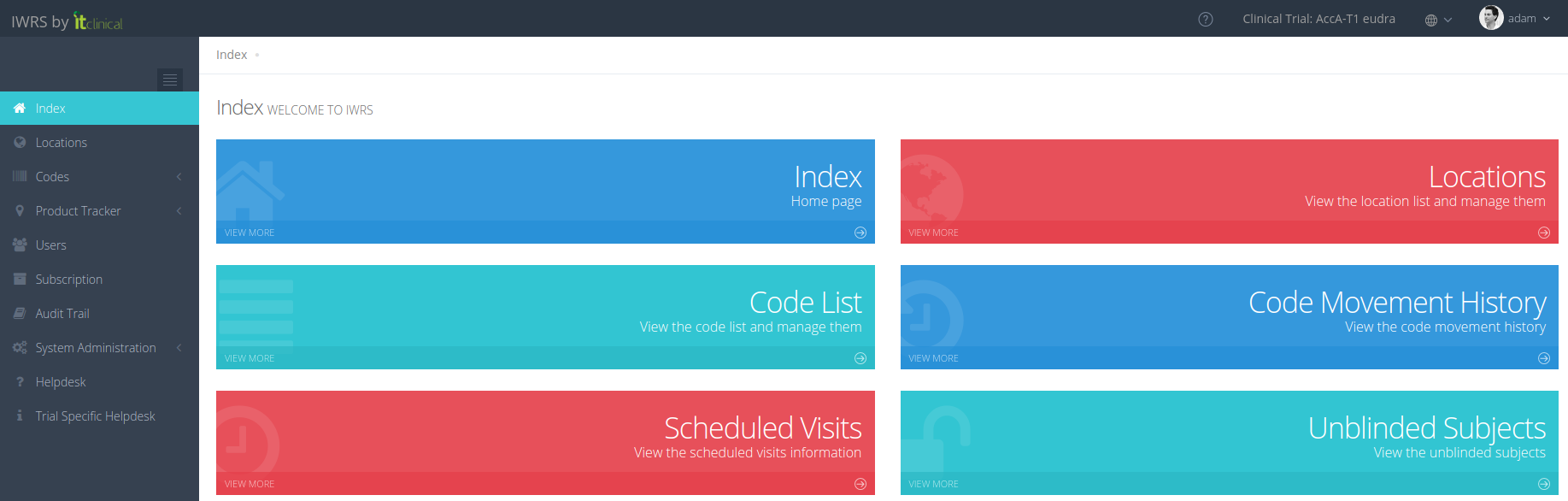
6. The language settings will be back to English in all pages.
3.Translation Exceptions
Text like input questions, visit names and other trial specific labels will only be translated if the trial provides the necessary translated text to be shown in the desired language.
Related Articles
Trial Settings - Visit Configuration
Note: Only users with certain permissions can see and/or edit the visit related configurations. 1. Subject visits schedule configuration Visit scheduling configuration allows the user to configure how many days after randomisation the visits should ...Trial Settings - Timezone
1. How to edit trial timezone Only users with certain permissions can see and/or edit the trial timezone. 1. Go to Trial Settings page under System Administration on the left menu 2. Select Regional Settings tab 3. The trial's timezone will be ...Trial Settings - Stock Management Configuration
1. How to see the Stock Management configuration Only users with certain permissions can see the stock management configurations. The Stock Management configuration page includes information regarding: Predictive Stock Resupply: Short and Long ...Trial Details
1. How to edit the trial details Only users with certain permissions can see and/or edit the trial details. 1. Go to Trial Settings page underSystem Administrationon the left menu 2. Select Trial Details tab 3. The trial details will be shown as ...Predictive Shipment
1. What is Predictive Shipment For trials configured with Scheduled Visits, it is now possible to activate predictive shipment. Taking into account upcoming subject visits, automatic resupply will consider the number of products needed for future ...