Account Management
1. How to access the account management
Users with account management permissions will be able to choose to enter a Trial or an Account.
1. To access the account management, choose the account you want to access and click on Manage Account.
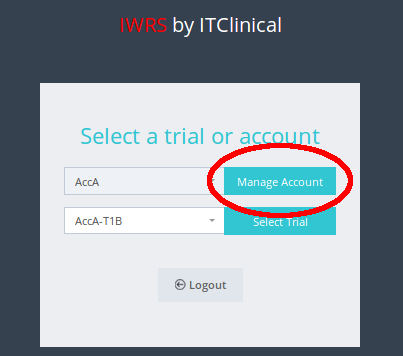
2. You will now be able to perform actions at the account level
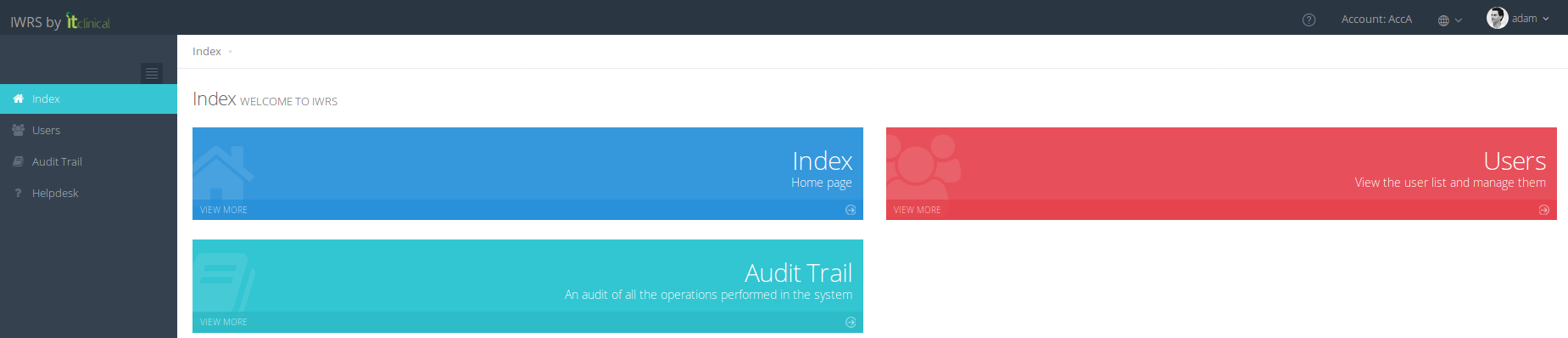
2. Add and Remove users from trials
1. Select the Users page
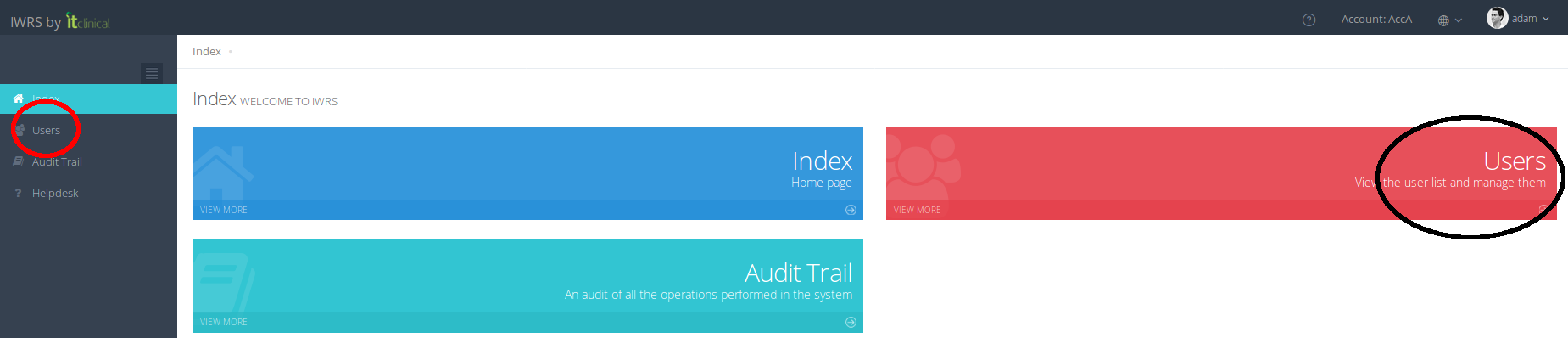
2. The list of users associated to the selected account will be displayed
Note: The association between user and trial is represented in blue. Users may be associated to more than one trial.
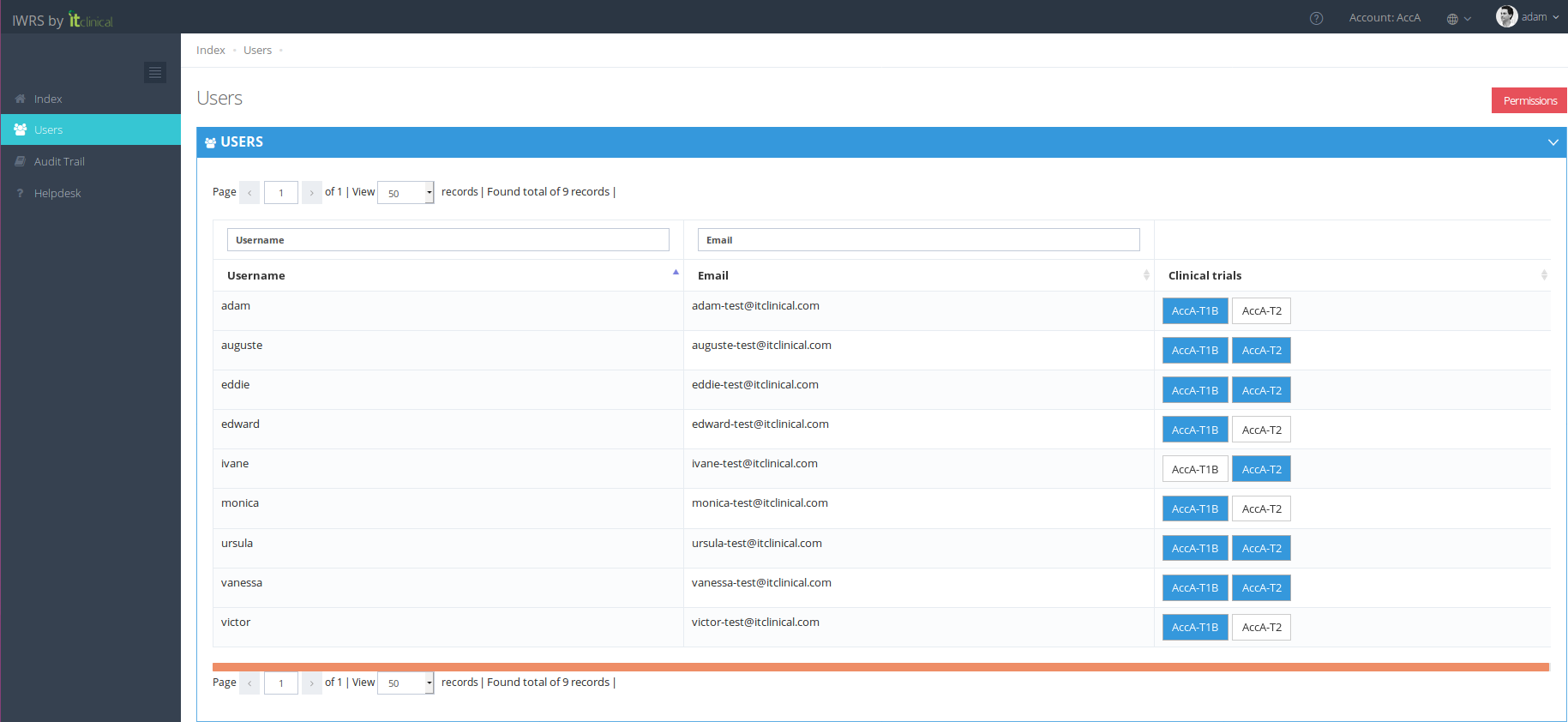
3. To add an existing user to a trial, click on the trial name within the user line.
Note: This action will only add the user to the trial. The following associations should be performed afterwards by accessing trial pages: a) user roles and permissions; b) user locations; c) user subscriptions.


4. To remove a user from a trial, click on the trial name you want the user to be removed from
Note: A warning message will appear informing that user will be removed from locations, subscriptions, roles, etc from the selected trial.

Related Articles
Subscription List Management
1. Subscription Lists To see the subscription lists go to Subscription page. Depending on your account permissions/configuration, the following subscription lists may be available in the system: Subscription List Name Description Unblinded List An ...Account or Trial selection
Note: This feature only applies to users associated with more then one account and/or trial. 1. Context Context is what defines the data the user is interacting with when logged in. A context can be a trial or an account. A user can only select ...Trial Settings - Stock Management Configuration
1. How to see the Stock Management configuration Only users with certain permissions can see the stock management configurations. The Stock Management configuration page includes information regarding: Predictive Stock Resupply: Short and Long ...Workflow Summary
1. Workflow Summary In this article we show a general diagram of how stock management works:Login / Logout
In this section you will learn to: Log in IWRS Log out IWRS 1. (First) Login To log in to the IWRS system: A random password and access instructions will be sent to your email The login page will be available in the following link: ...